
7 Google Ads Mistakes That Waste Your Budget (and How to Fix Them)
If your Google Ads spend keeps rising but leads don't, one of these seven mistakes is usually the reason. Most are quick to fix.

Google Ads isn't a channel that "works" or "doesn't work". It's a system that rewards precise setup and regular care. When businesses tell us ads don't work for them, we almost always find a few of these mistakes.
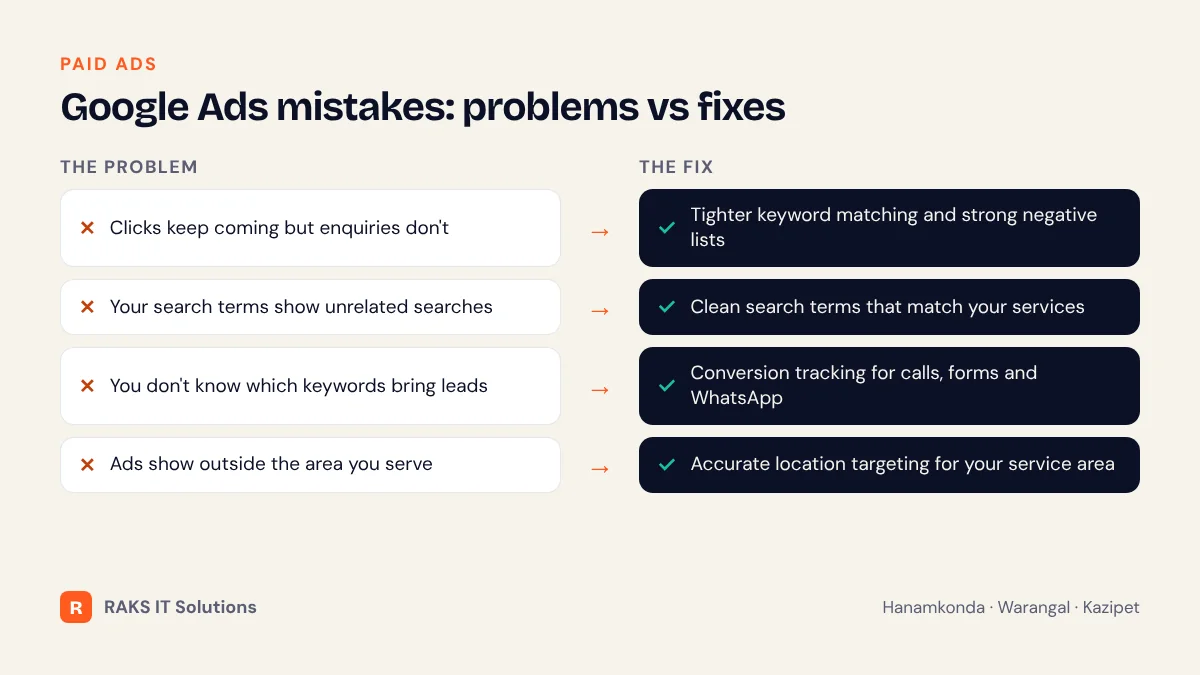
Mistake 1: Keywords that are too broad
Broad match keywords can show your ads for loosely related searches. "Interior design" might match "interior design course", "interior design jobs" or "interior design ideas free".
Fix: use phrase and exact match for core keywords at the start, and only use broad match once conversion tracking and smart bidding have enough data.
Mistake 2: No negative keywords
Without negatives, you pay for clicks that will never convert.
Fix: build a negative list from day one ("free", "jobs", "salary", "course", "DIY", "second hand", locations you don't serve) and add new ones every week from the search terms report.
Mistake 3: No conversion tracking
If Google doesn't know which clicks became enquiries, neither do you, and automated bidding optimises for clicks instead of leads.
Fix: track form submissions, phone calls from ads and website, and WhatsApp button clicks. Import offline conversions if you can.
Mistake 4: Sending every ad to the home page
Someone searching for one service lands on a page about everything.
Fix: send each ad group to the most relevant service page or a dedicated landing page whose headline matches the ad.
Mistake 5: Generic ad copy
"Best services at affordable prices" says nothing.
Fix: mention the service and location, a concrete benefit, a differentiator and a clear call to action. Use assets: call button, sitelinks, callouts, location.
Mistake 6: Wrong location settings
By default, campaigns may target people "in or interested in" a location, which can include people far away.
Fix: set targeting to people located in or regularly in your service area, and check the locations report for where clicks actually come from.
Mistake 7: Set and forget
Accounts drift. Competitors change bids, search behaviour changes, new irrelevant searches appear.
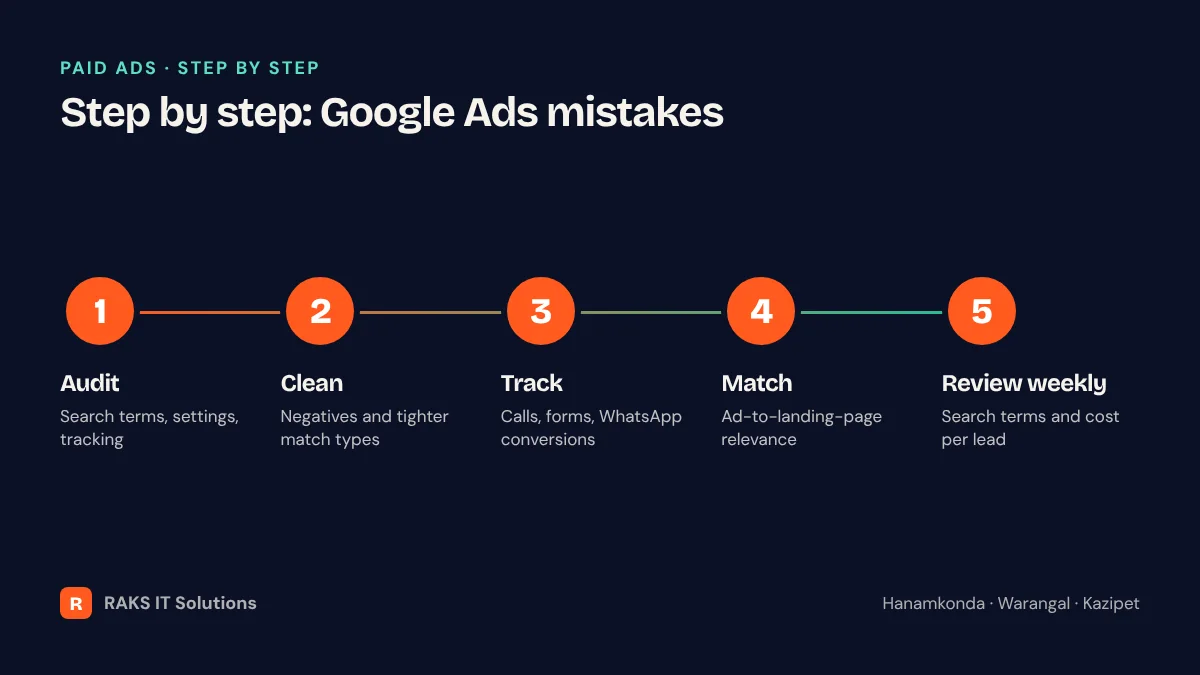
Fix: a simple routine:
- Every few days: spend and leads.
- Weekly: search terms and negatives, ad performance.
- Monthly: budget allocation, cost per lead by service, new ad tests, landing page improvements.
A few bonus checks
- Ad schedule: are you paying for clicks at hours nobody answers the phone?
- Devices: do mobile clicks convert as well as desktop?
- Auto-applied recommendations: are changes being made without your review?
- Display network: is a search campaign also showing on random websites?
How to know it's improving
Track cost per lead and lead quality over time. After cleanup, you should see fewer irrelevant searches, a higher share of clicks turning into enquiries and a lower or steadier cost per lead.
The bottom line
Most wasted Google Ads budget comes from fixable setup and maintenance issues. Tighten keywords, add negatives, track conversions, match ads to pages and review weekly. If you'd rather hand it over, our Google Ads management in Hanamkonda starts with a free audit.


