
How to Turn One Video Into Ten Pieces of Content (and Save Hours Every Week)
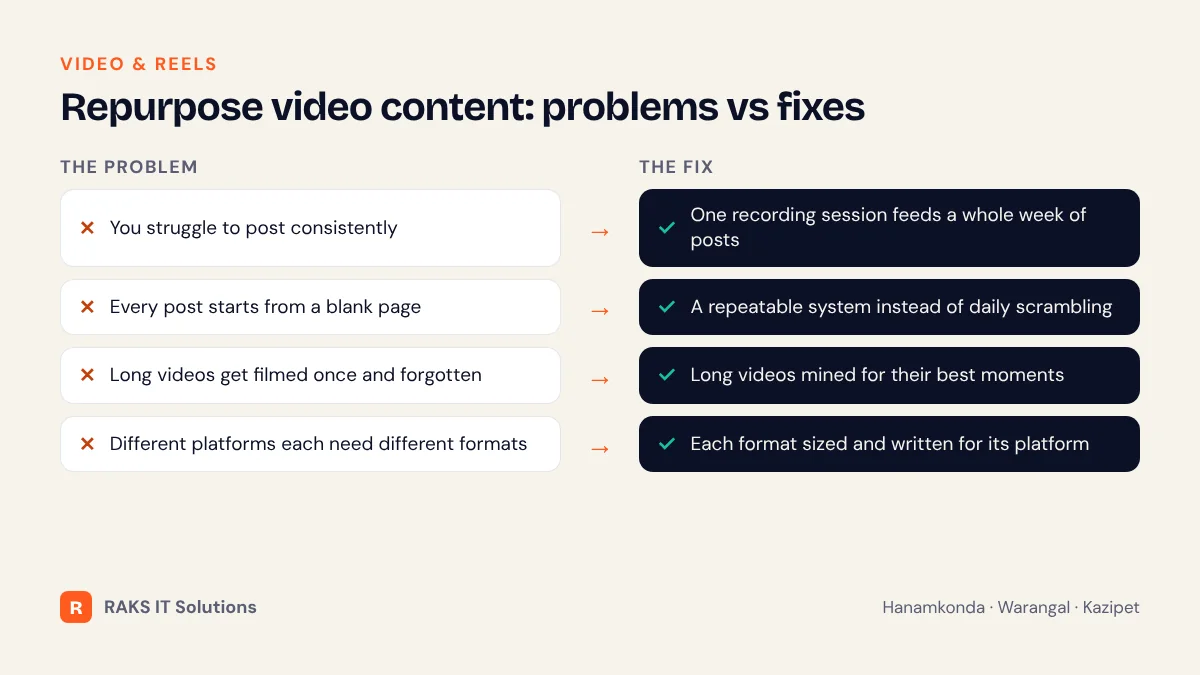
Creating new content every day is exhausting. Repurposing one good video into many formats gives you more reach with far less effort.

The businesses that seem to post everywhere, every day, usually aren't creating more. They're creating smarter. They make one strong piece of content and turn it into many.
Start with a pillar video
A pillar video is a longer recording packed with useful information. Good options:
- An interview with the owner or an expert on your team.
- A Q&A answering the ten questions customers ask most.
- A workshop or class you're already running.
- A walkthrough of a project from start to finish.
- A conversation with a happy client (with their permission).
Fifteen to thirty minutes is plenty.
The ten pieces
- Five to eight short reels or Shorts: each built around one strong moment, with a hook, captions and a call to action.
- A YouTube video: the full version, trimmed and chaptered.
- A carousel post: the main points as 5 to 8 slides.
- Quote graphics: two or three powerful lines as branded images.
- A blog post: the transcript, edited into a well-structured article, which also helps SEO.
- An email or WhatsApp update: a short summary with a link to the full video.
- A LinkedIn post: a professional takeaway written as text with one clip.
- Stories: behind-the-scenes clips and polls about the topic.
- FAQ answers: add the best answers to your website's FAQ sections.
- Ad creatives: your best-performing clip can become a paid ad.
A simple weekly workflow
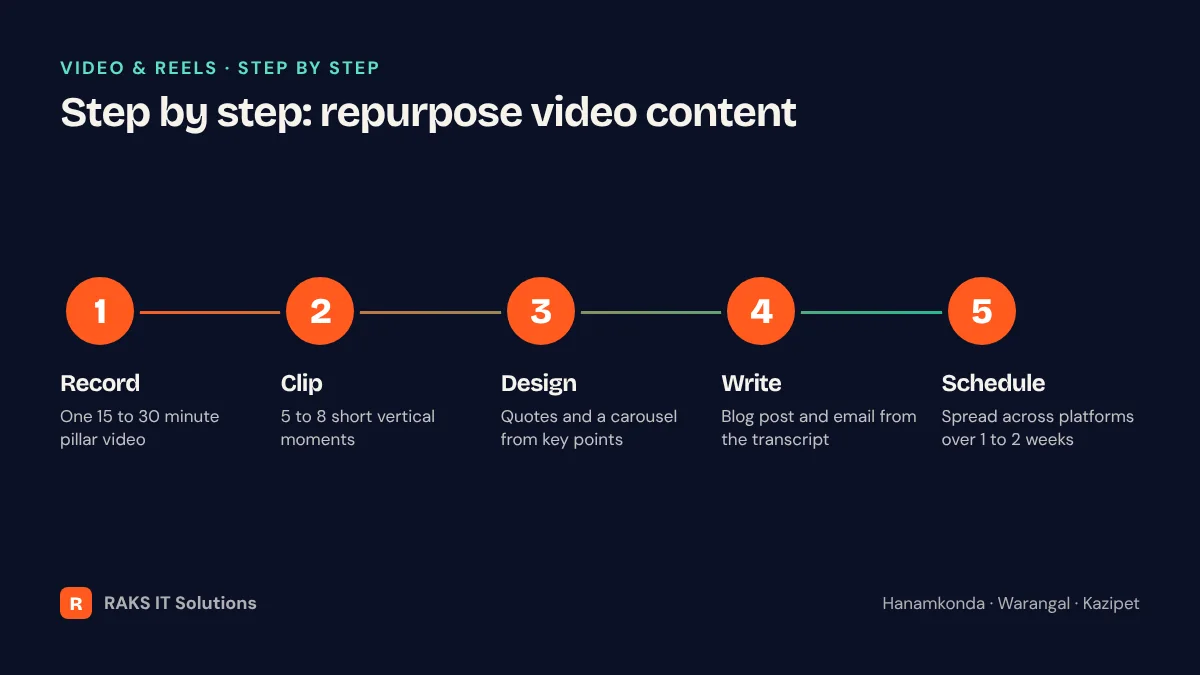
- Day 1: record the pillar video.
- Day 2: edit the full version and pick timestamps for clips.
- Day 3: edit clips, design quotes and the carousel.
- Day 4: write the blog post and email from the transcript.
- Days 5 to 14: schedule everything across platforms.
Tips for repurposing well
- Adapt, don't just copy. Vertical with big captions for reels, horizontal for YouTube, text-first for LinkedIn.
- Give each clip its own hook. Don't start mid-sentence.
- Remove other platforms' watermarks. Export clean files.
- Spread it out. Posting the same idea everywhere on the same day wastes it.
- Track which clips perform. Turn winners into ads or longer follow-ups.
Why this helps growth
Consistency is one of the biggest drivers of social media growth and brand recall. Repurposing makes consistency realistic for a busy business. It also means your best ideas reach people on every platform they use, and your website gains blog content that keeps working in search.
The bottom line
Record once, publish many times. With a repeatable process, one good video a week can keep every channel active. If you'd like a team to handle it, see our video editing services.


