
Technical SEO Basics: 10 Checks to Run Before You Spend on Content or Ads
Great content and ad budgets are wasted if Google can't crawl, index and understand your website. These ten checks catch the problems that quietly hold sites back.

Imagine printing beautiful brochures and then storing them in a locked room. That is what publishing content on a technically broken website feels like. The work is there, but nobody sees it.
Technical SEO unlocks the room.
Why technical SEO comes first
Google has to do three things before your page can rank: find it, crawl it (read it), and index it (store it as a possible result). If anything blocks those steps, your page can't compete, no matter how good the writing or how much you spend promoting it.
The 10 checks
1. Is Google Search Console set up?
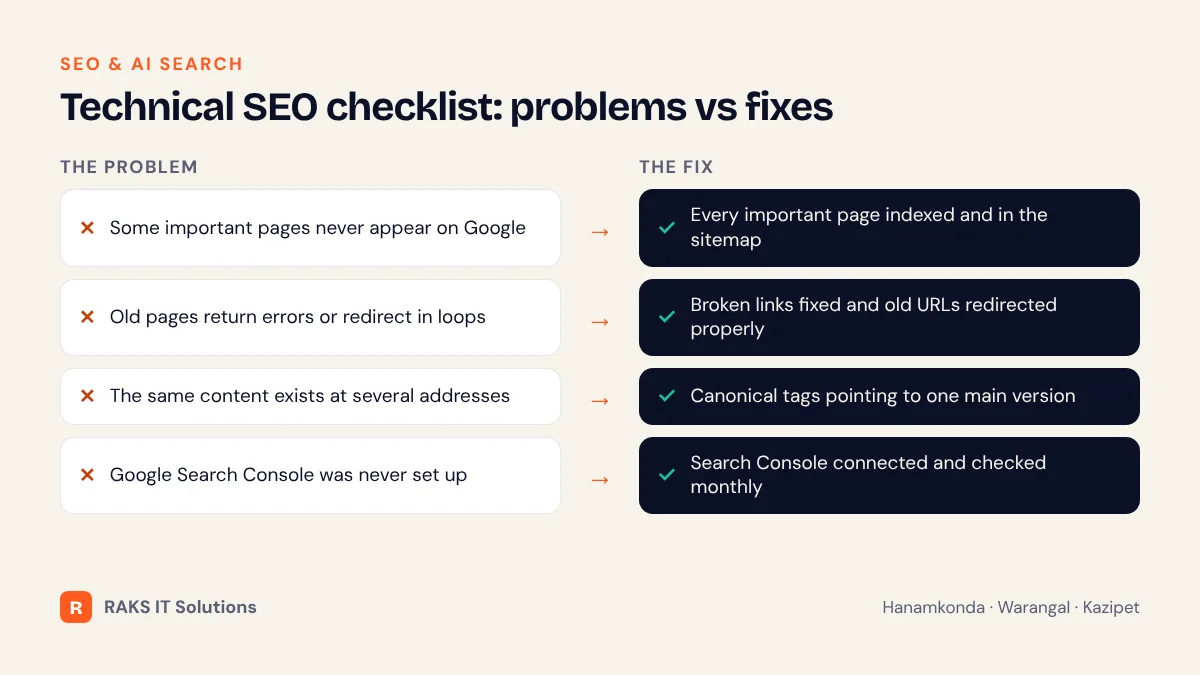
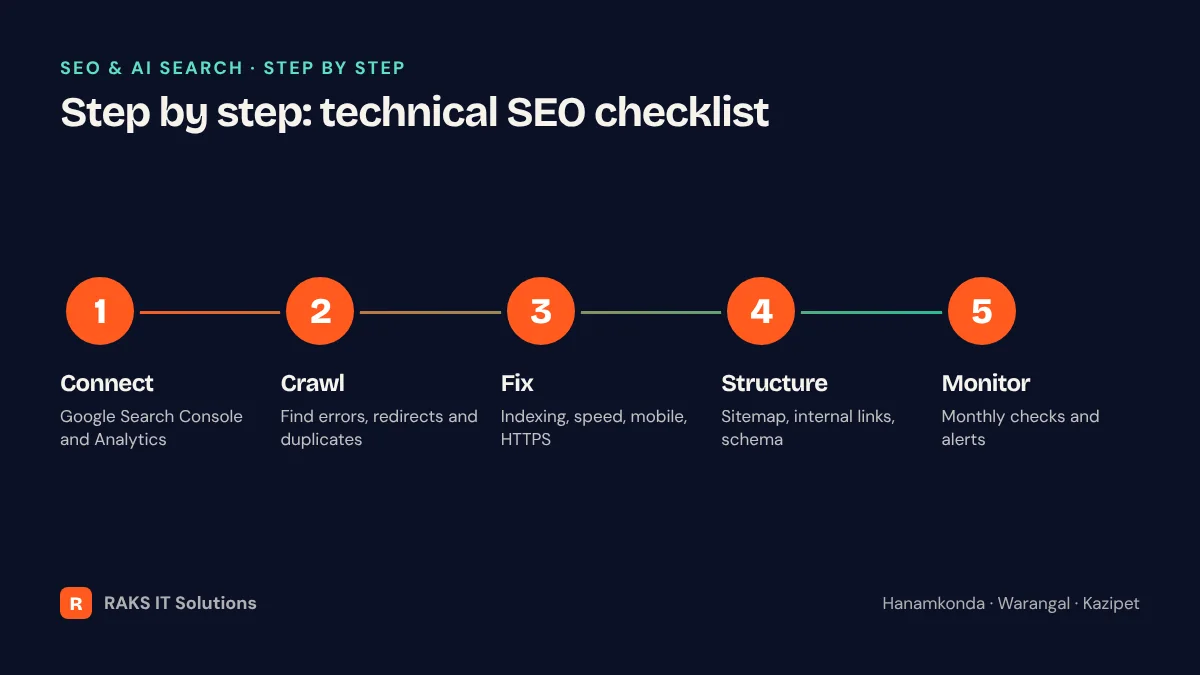
Search Console is free and shows exactly how Google sees your site: which pages are indexed, which have errors, which searches bring impressions and clicks. If it isn't connected, start here.
2. Are your important pages indexed?
Search site:yourdomain.com on Google for a rough view, then check the Pages report in Search Console. If key service pages are missing, find out why (blocked, duplicate, low quality, or simply not linked).
3. Is there an XML sitemap?
Your sitemap should list every page you want found, update automatically when you add pages and be submitted in Search Console.
4. Is robots.txt blocking anything important?
A single wrong line in robots.txt can hide your whole site. Make sure it blocks only admin or private areas, and that it points to your sitemap.
5. Is the site secure (HTTPS) everywhere?
Every page should load on https with no mixed-content warnings. Visitors and browsers distrust insecure pages.
6. Does it load fast and pass Core Web Vitals?
Check mobile performance with PageSpeed Insights. Fix heavy images, unnecessary scripts and layout shifts.
7. Is it truly mobile friendly?
Google primarily uses the mobile version of your site for indexing. Text, buttons and menus must work well on a phone.
8. Are there broken links or redirect chains?
Old URLs from a previous website should redirect (301) straight to the closest new page. Broken internal links waste both visitors' time and Google's attention.
9. Is there duplicate content?
The same page reachable at several addresses (with and without www, with tracking parameters, printer versions) splits signals. Canonical tags tell Google which version is the main one.
10. Is structured data in place?
Schema markup for your Organization or LocalBusiness, Services, Articles, Breadcrumbs and FAQs helps search engines and AI tools understand your content and can make you eligible for richer results.
Bonus: internal linking
Pages that no other page links to are hard for Google to find and seem unimportant. Link from your home page to main services, from services to related blog posts, and from posts back to services. Use descriptive link text.
What to do with the results
Not every issue matters equally. Prioritise:
- Anything stopping important pages from being indexed.
- Problems affecting many pages at once (sitewide speed, mobile issues).
- Redirects for old URLs that still get traffic or links.
- Schema and internal linking improvements.
The bottom line
Technical SEO is the foundation. Fix it first, and every page you write and every rupee you spend on promotion has a fair chance to perform. Our SEO service always starts with this audit.


